Deste Beta PDF work, inside your browser.
Merge PDFs and images, trim and reorder pages, compress scans. It all happens in your browser, on your own processor; nothing is uploaded.
Compression made for scans
A page from a scanner or a phone camera is a photograph of hundreds of kilobytes. Deste separates the text from the paper, keeping the text in a crisp two-tone layer and photos in a layer of their own.
- Before
- 976KB
- After
- 16.0KB
Text is separated into sharp two-tone; photos keep their own texture. The default level.
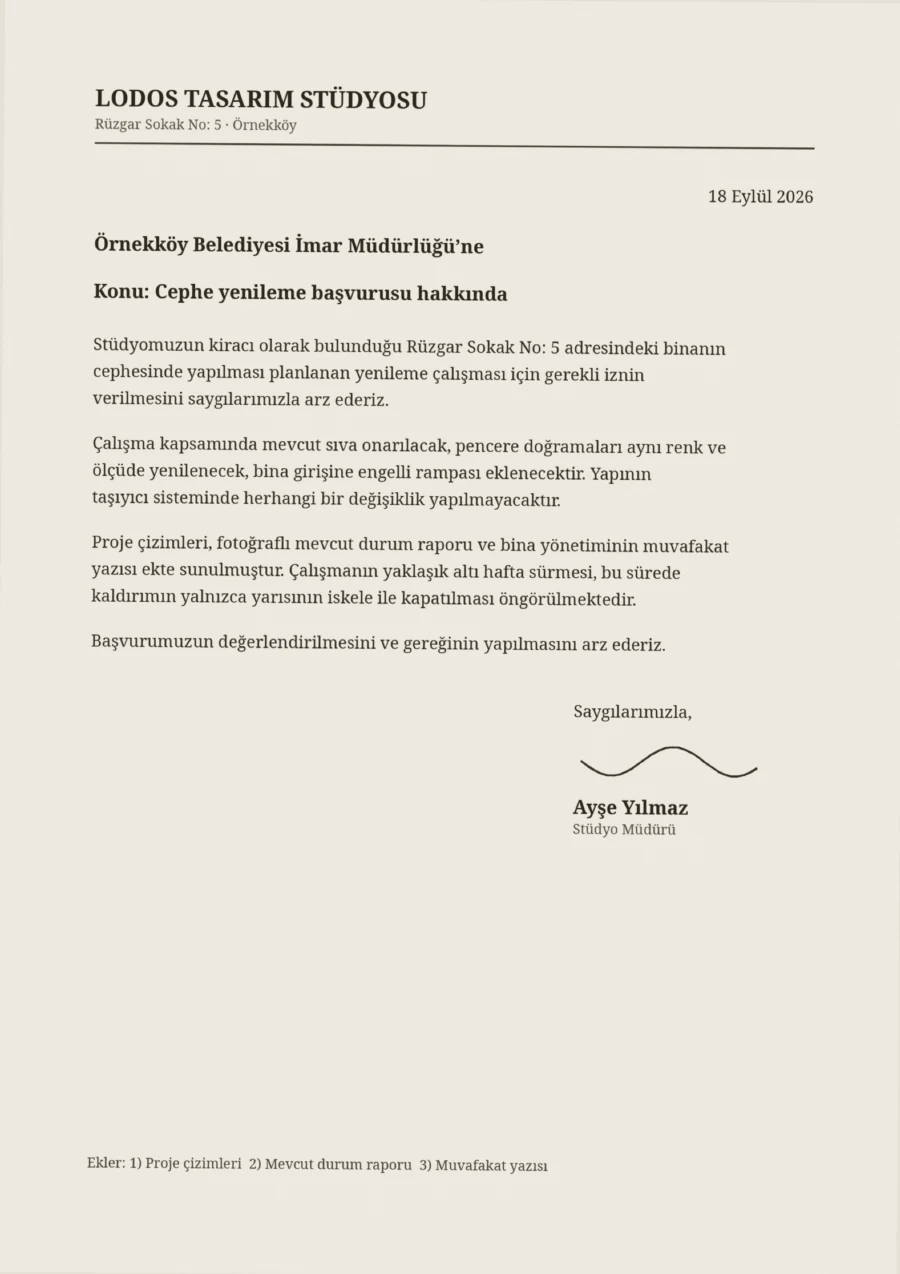
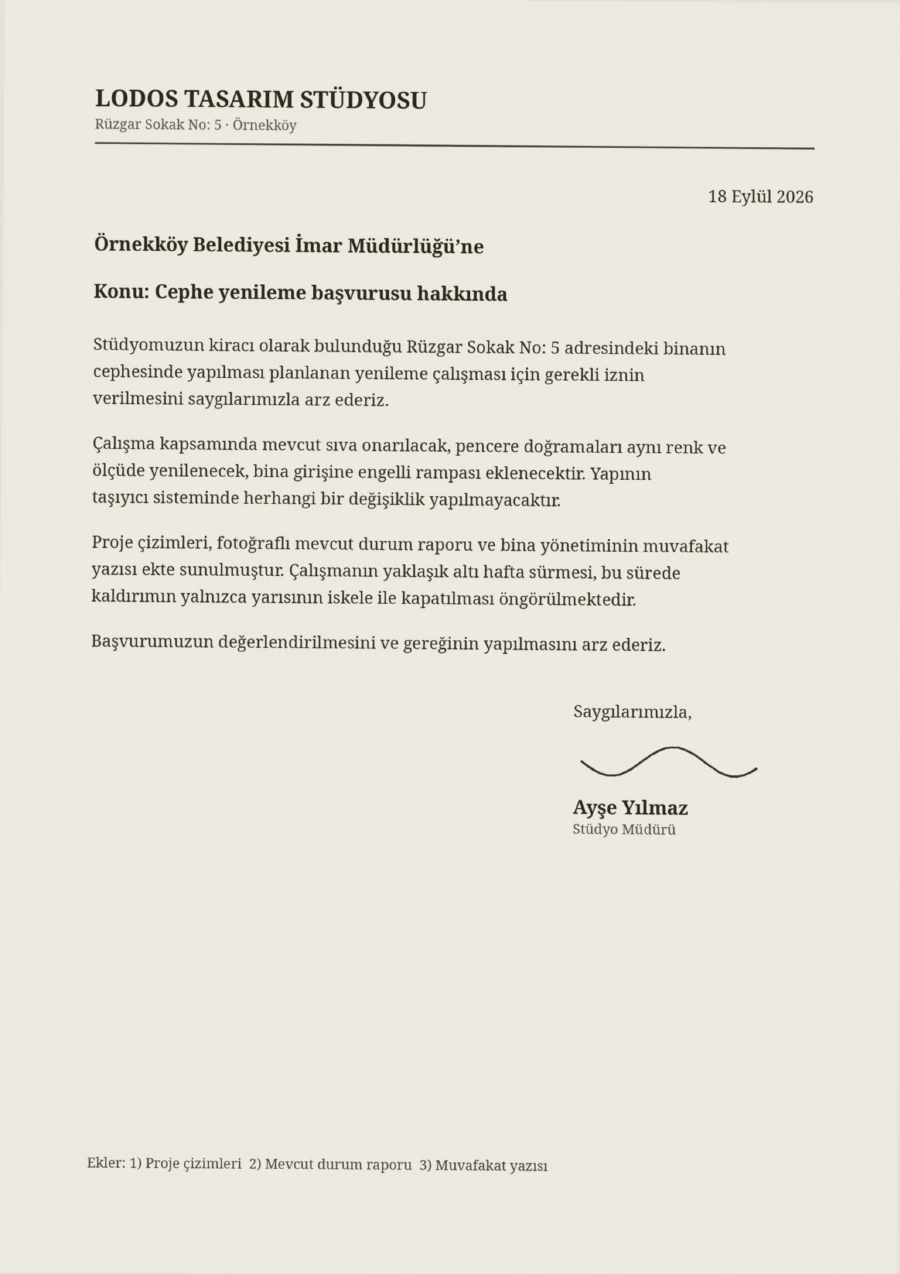
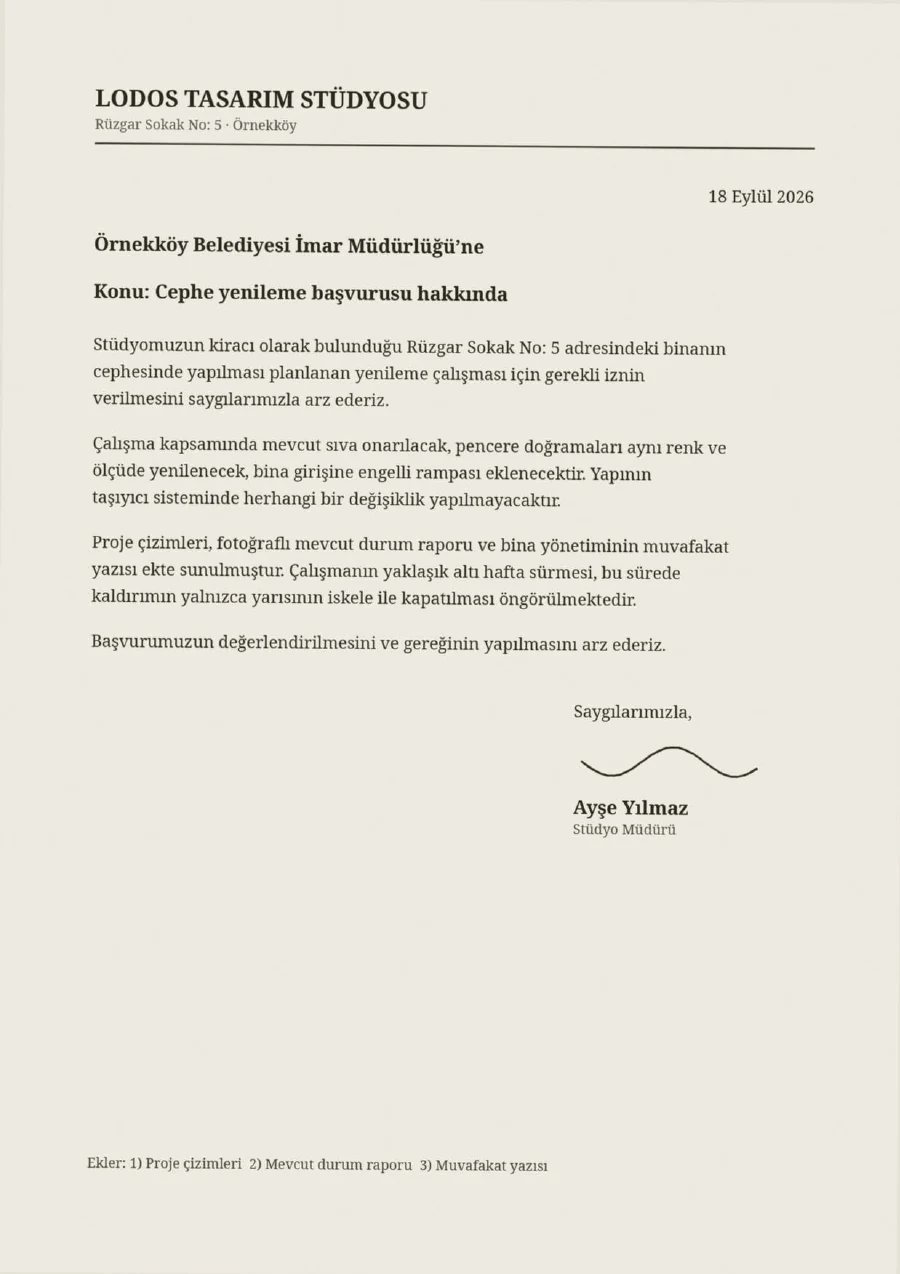
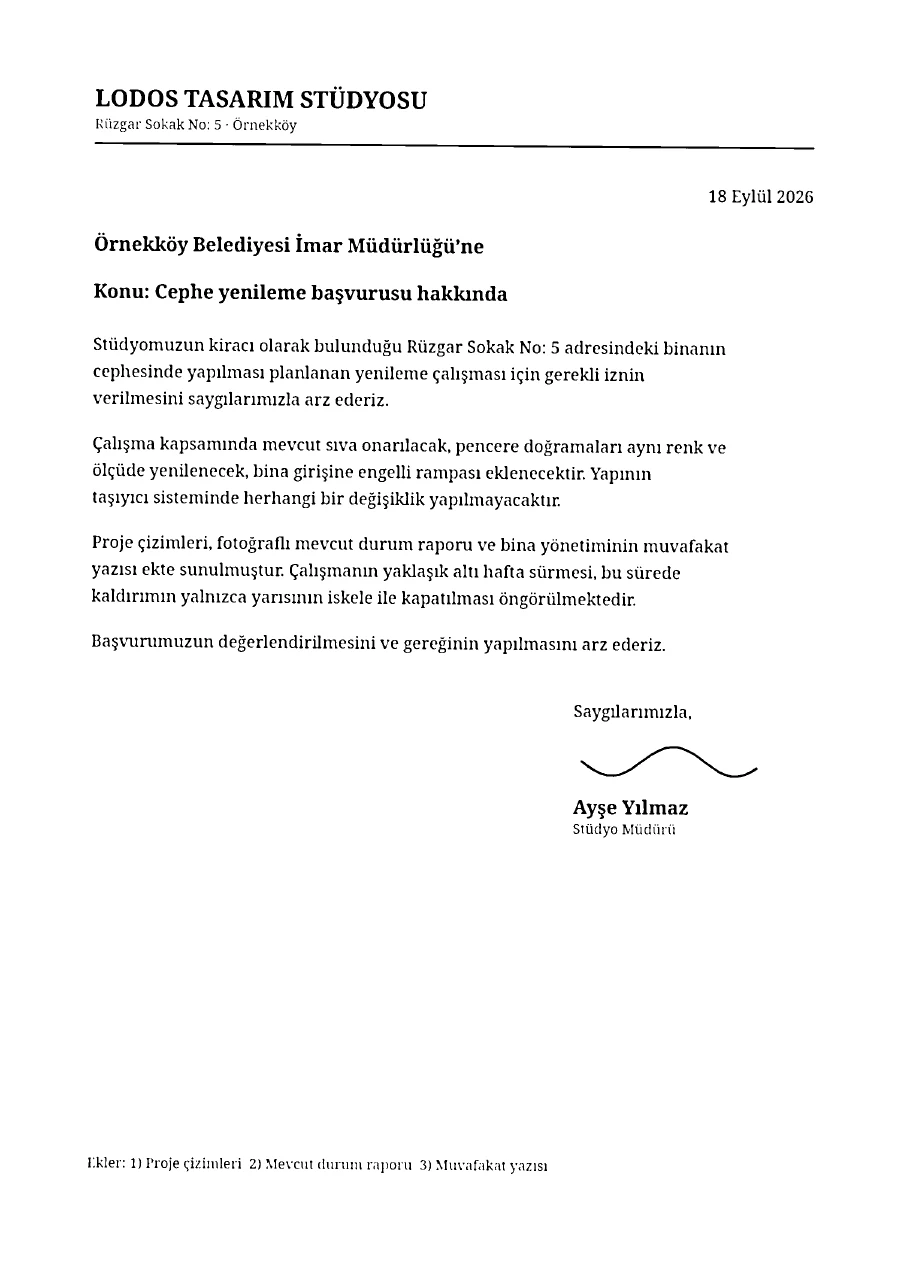
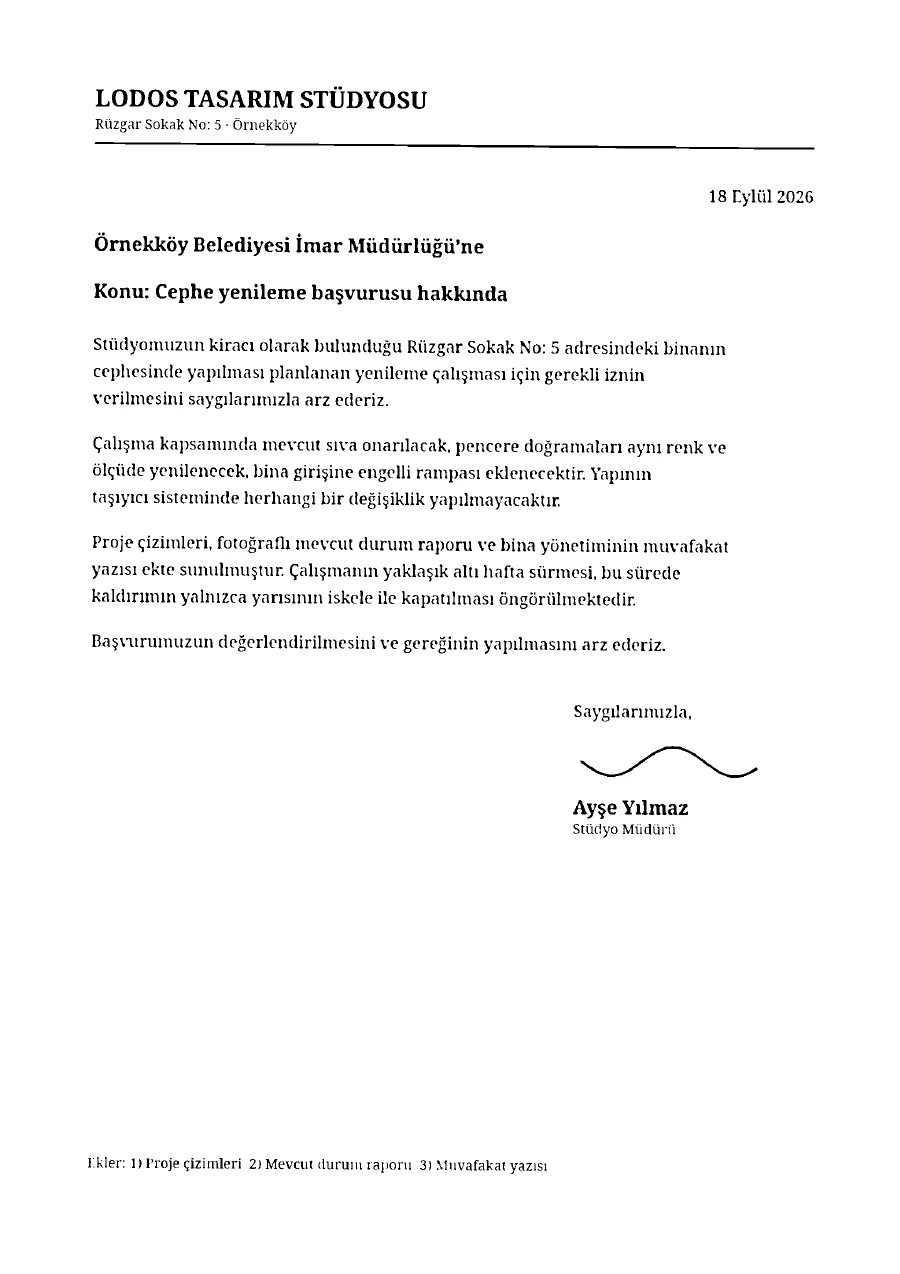
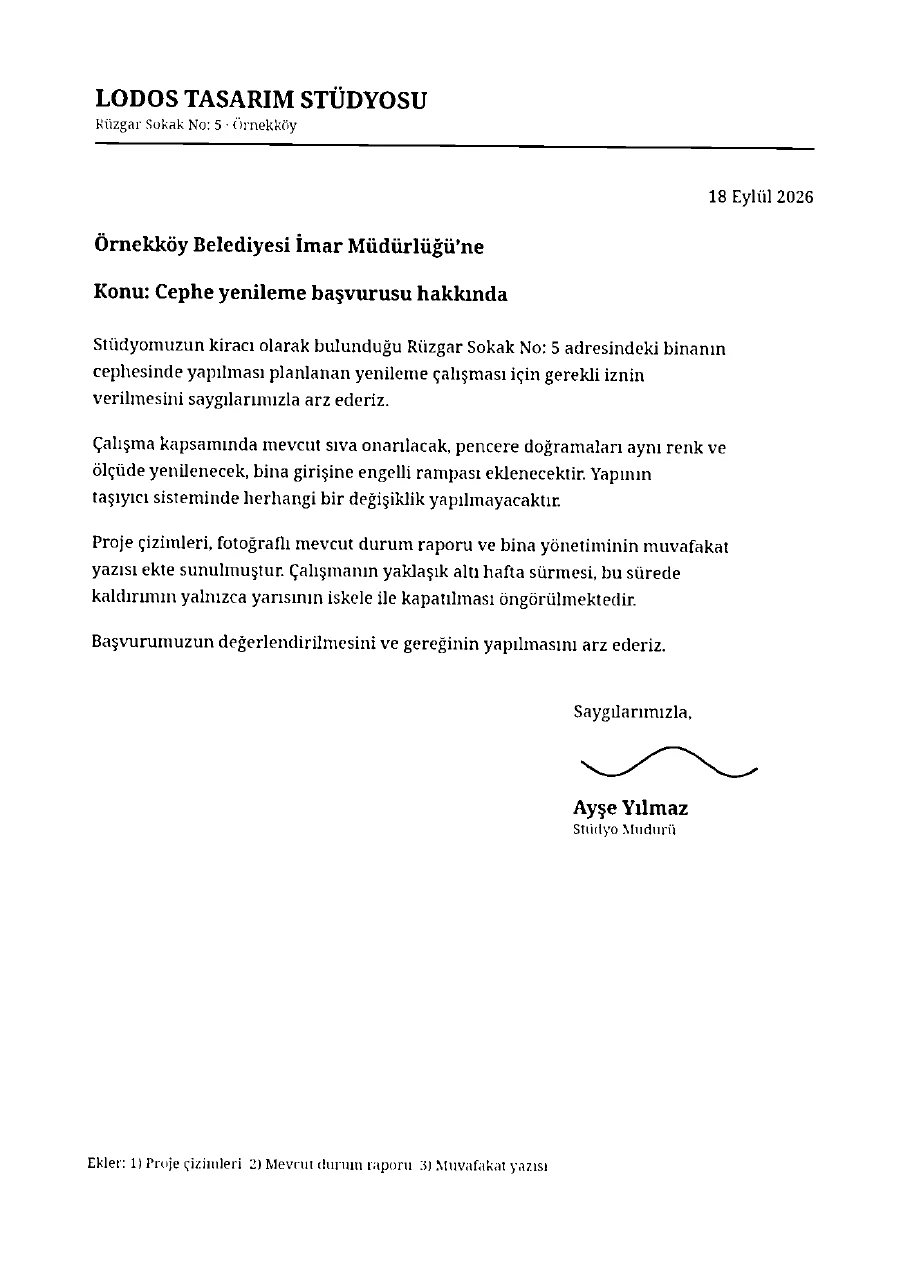
The first page of a scanned letter at Deste’s five levels, straight from its own engine. The gain depends on the document: a PDF already full of compressed photos shrinks little.
The level can change page by page, and a page can be skipped. Under Advanced you’ll find grayscale, fine-text protection and removing the invisible text layer. The result is always saved as a new file; your original is not touched.
Compressing PDFs →Merge, trim, reorder, compress.
Putting a few PDFs into one file, fitting a scan into an email or pulling two pages out of a contract shouldn’t need an install or an account.
- Merge PDFs and images
- Opens PDF, PNG, JPG, WebP, BMP, GIF and AVIF; images become PDF pages. The selected documents become a single PDF in the order on screen.
- Remove and rotate pages
- Untick a page you don’t want; rotate one page or a whole document by 90°.
- Reorder by dragging
- Drag documents and pages into place. On a phone, hold a page for a moment to start dragging.
- Move between documents
- Drag a page onto another document to move or copy it. Split a document in two at any page.
- Compress
- Pick one of five levels. If the document has a text layer it is kept, so a compressed PDF is still searchable.
- Pick up where you left off
- Close the tab and come back: open documents, their order, selection and edits are still there.
Document by document, or page by page
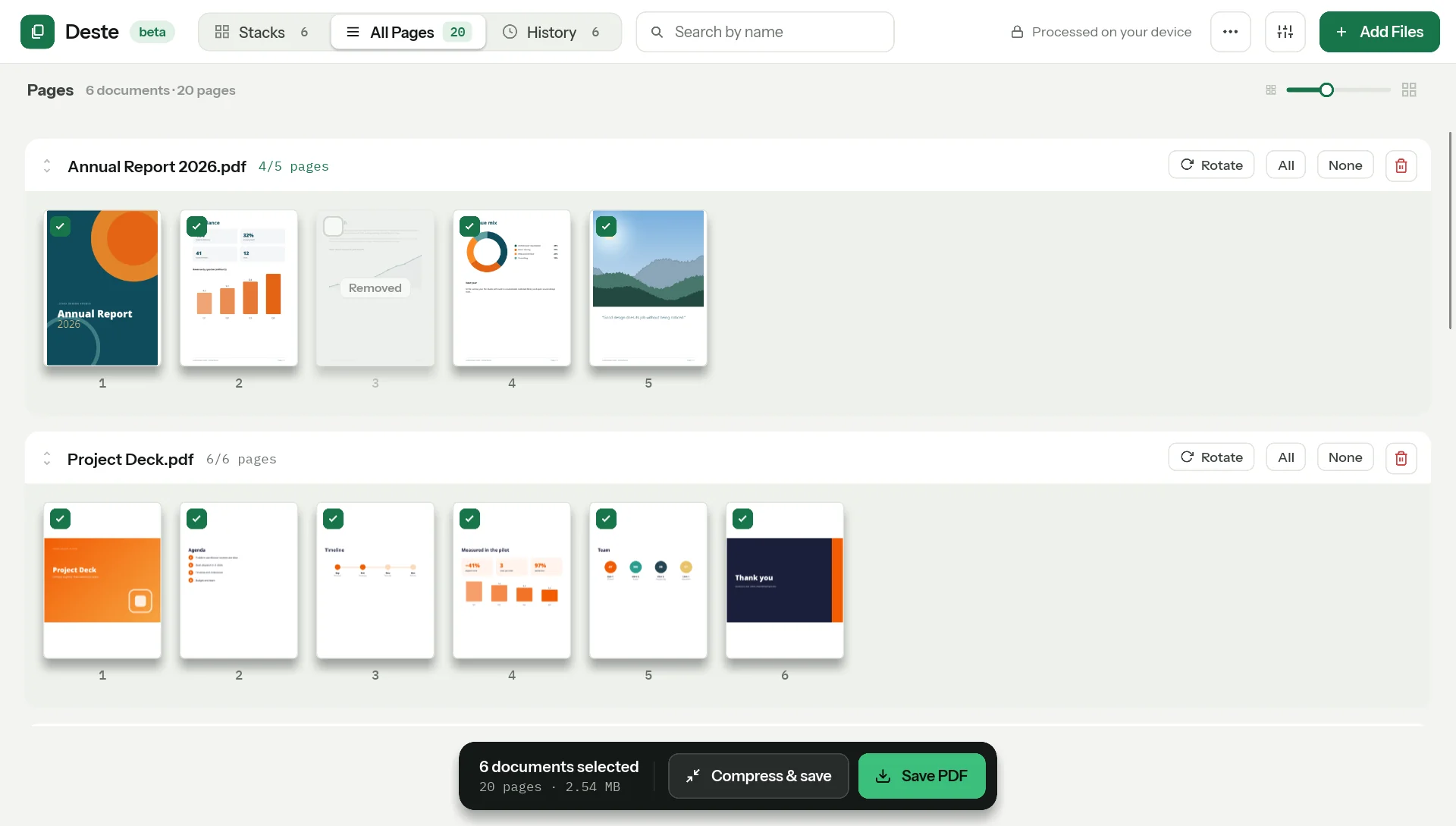
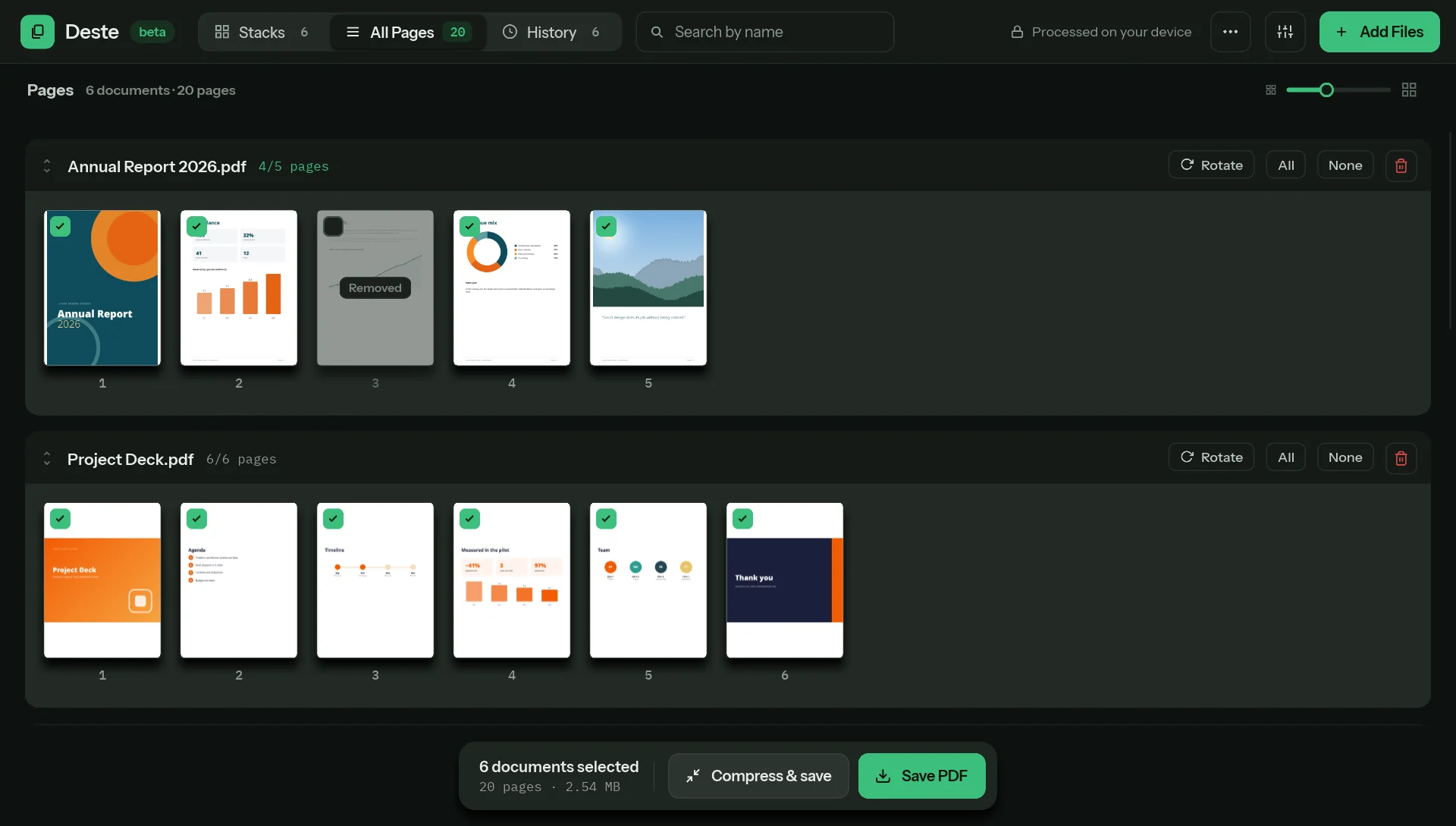
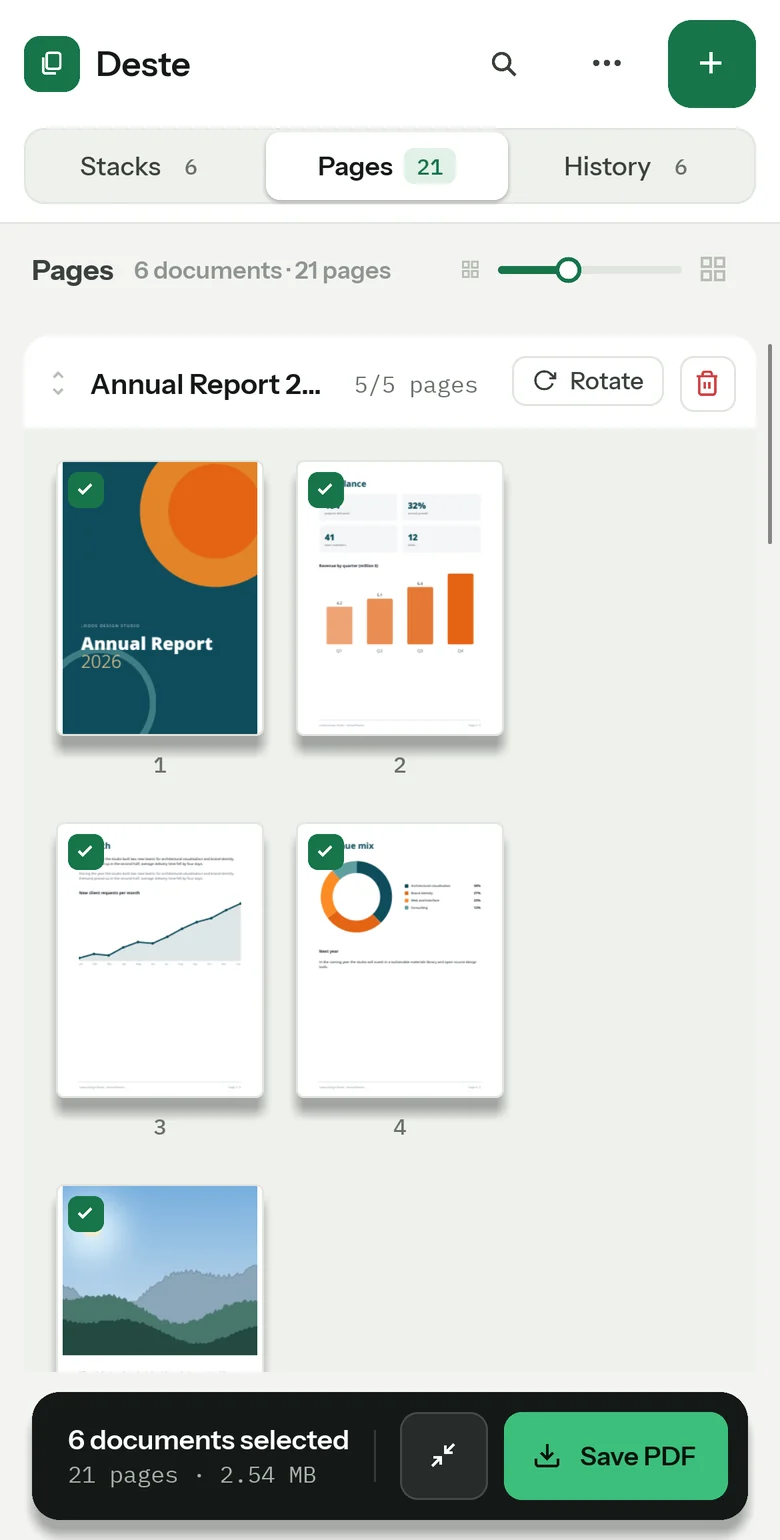
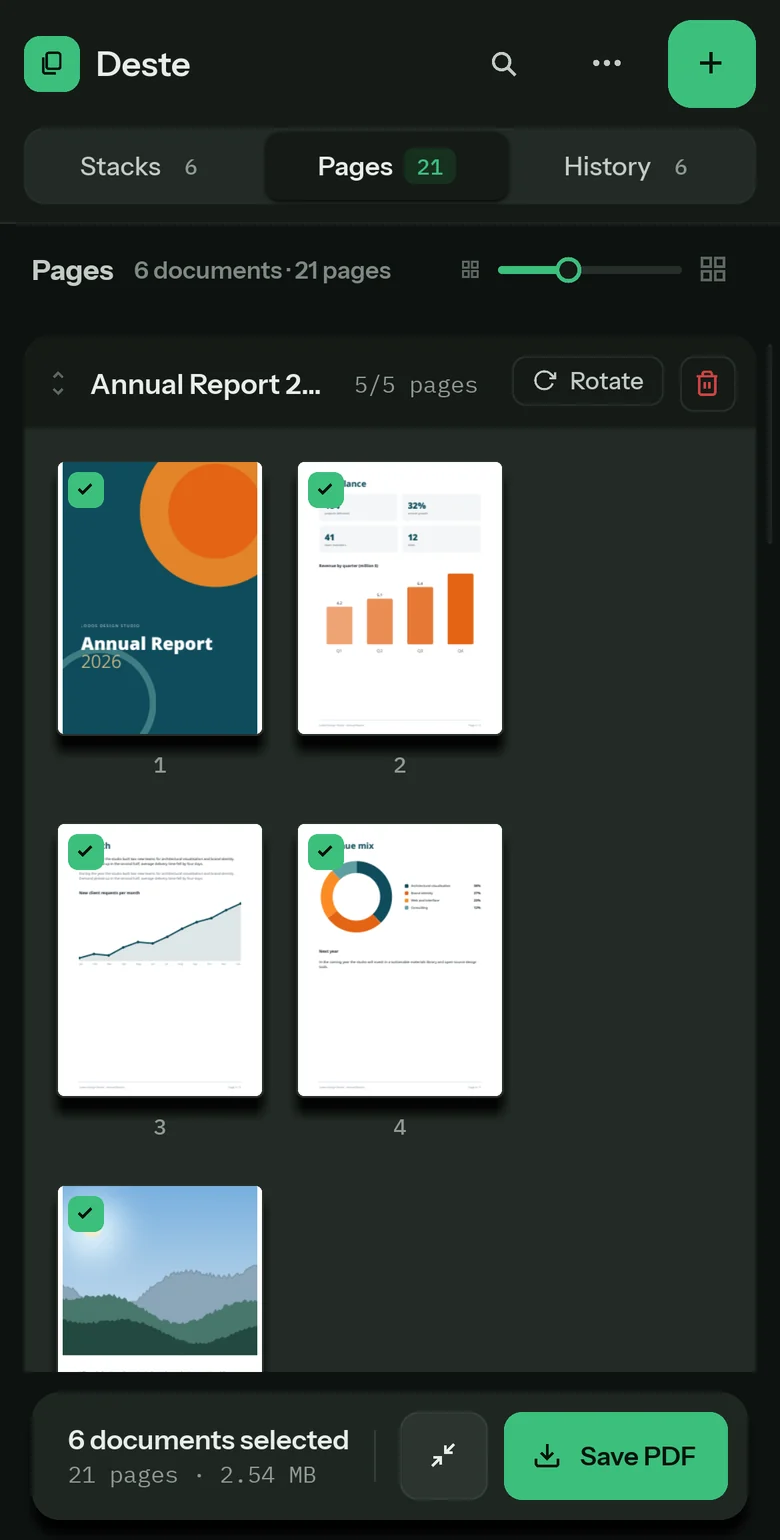
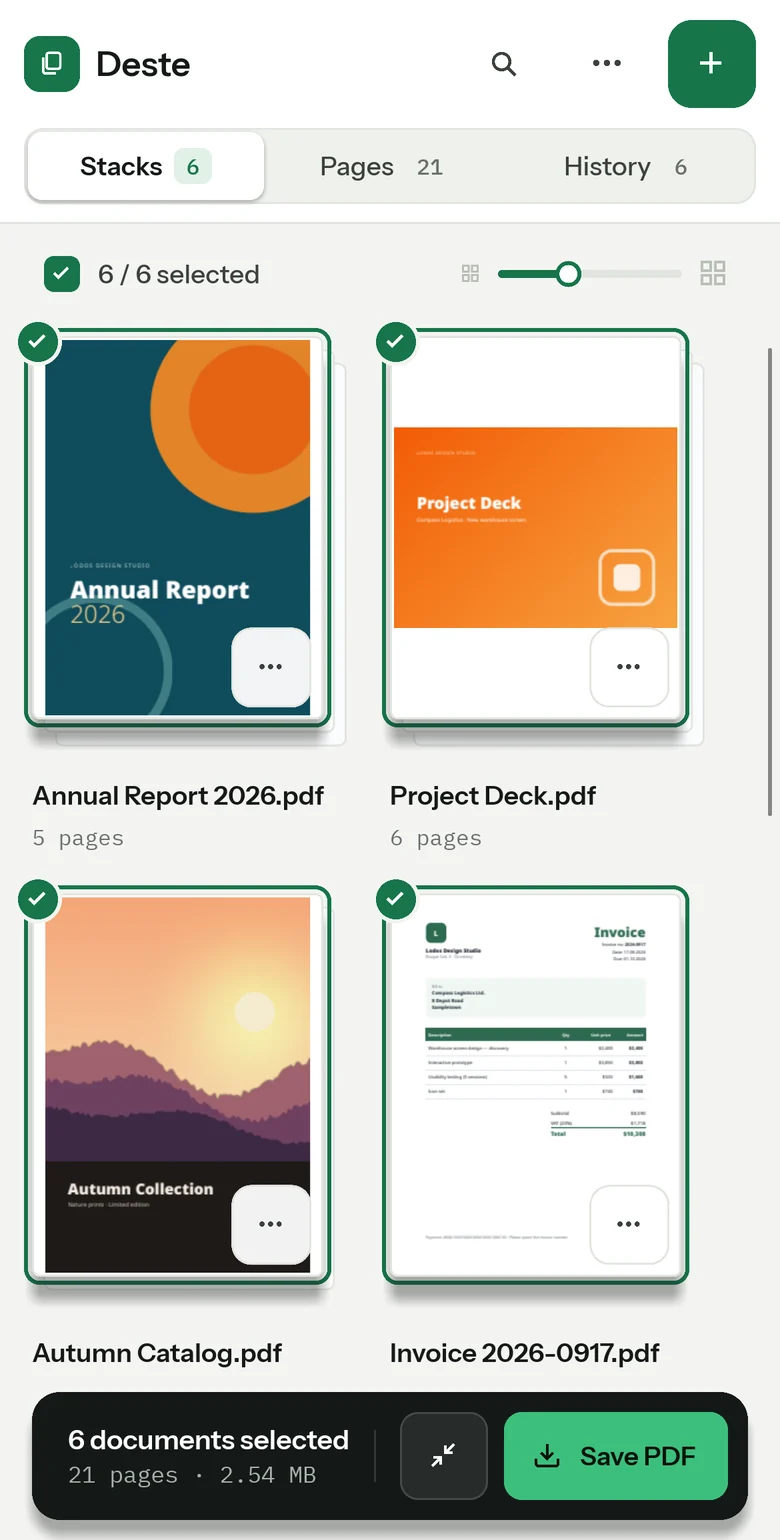
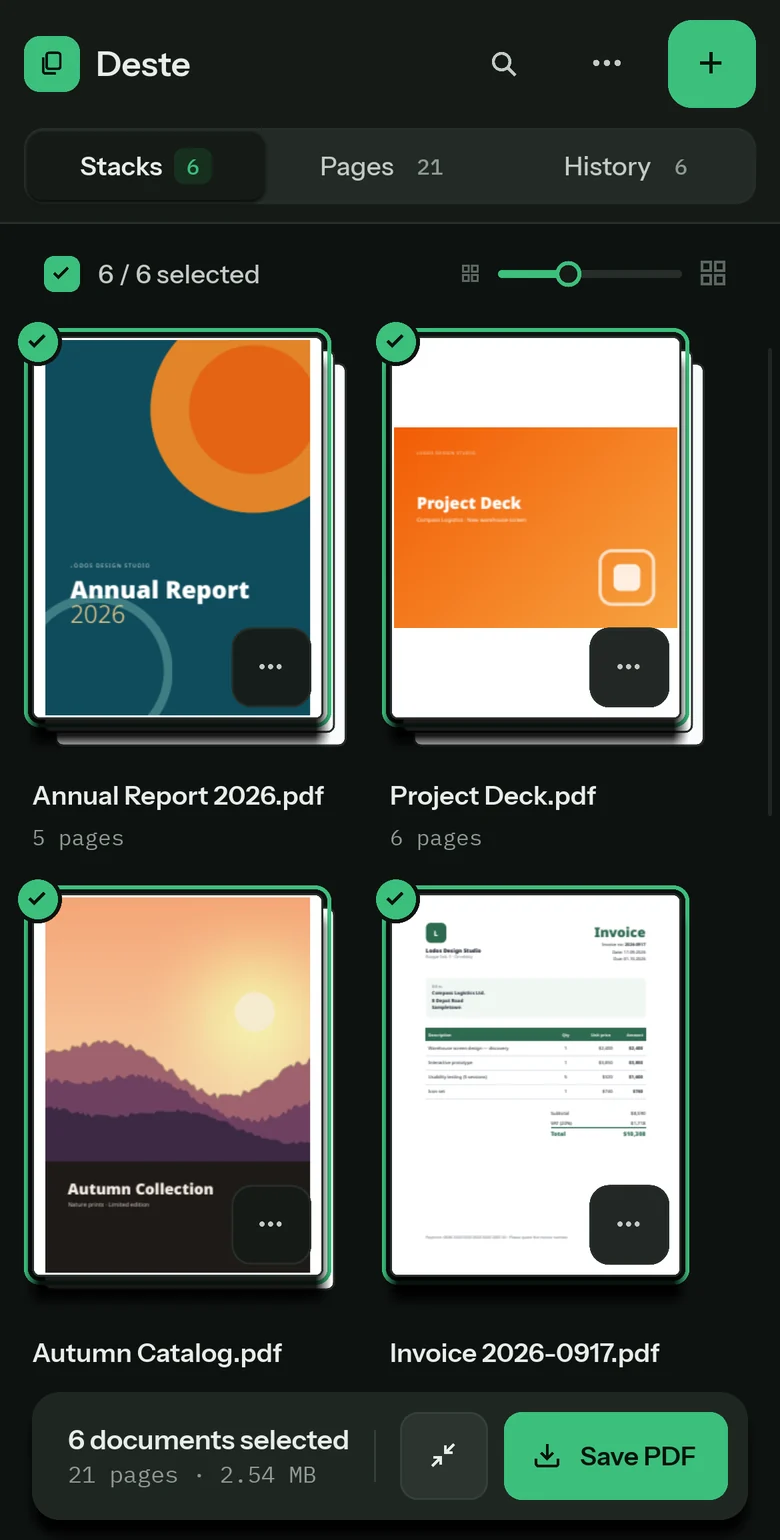
Stacks shows documents as cards, All Pages shows every page on its own. A change made in one shows up in the other.
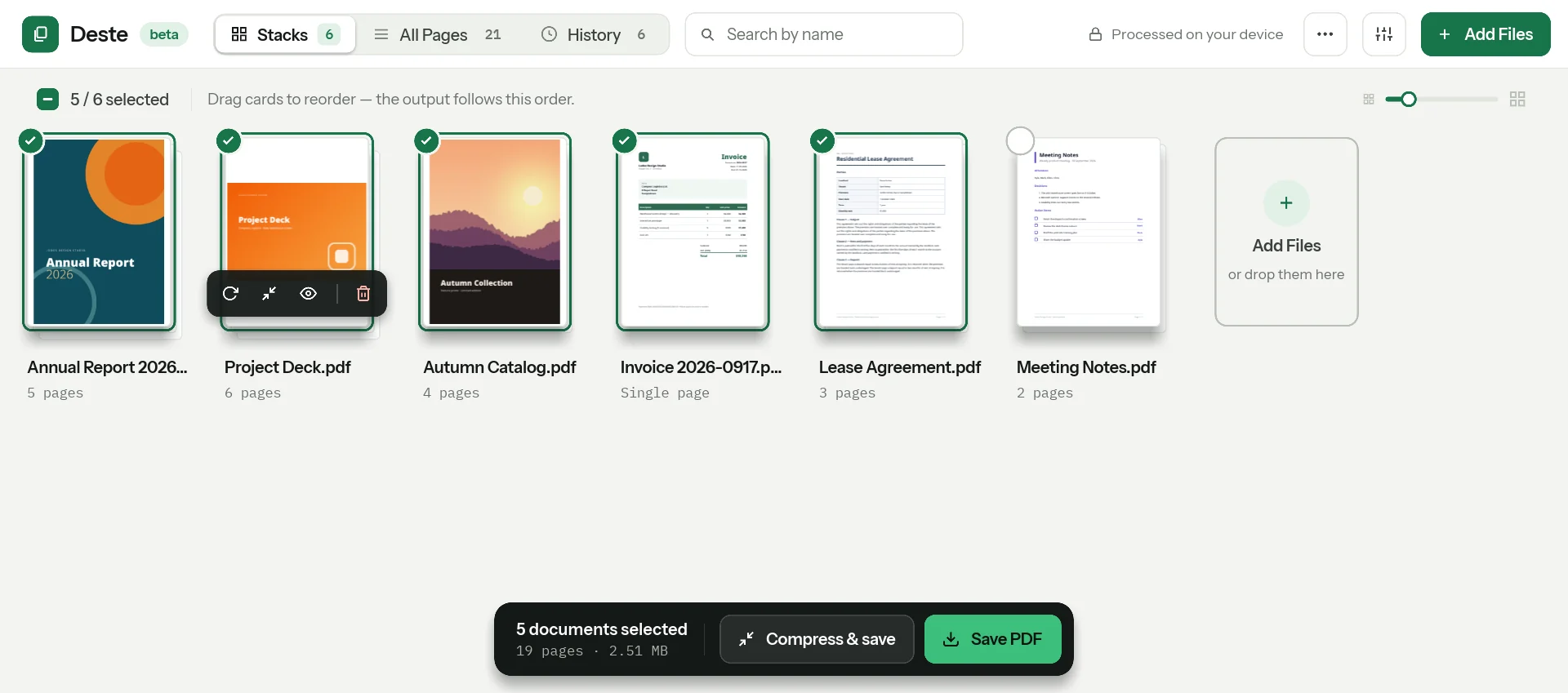
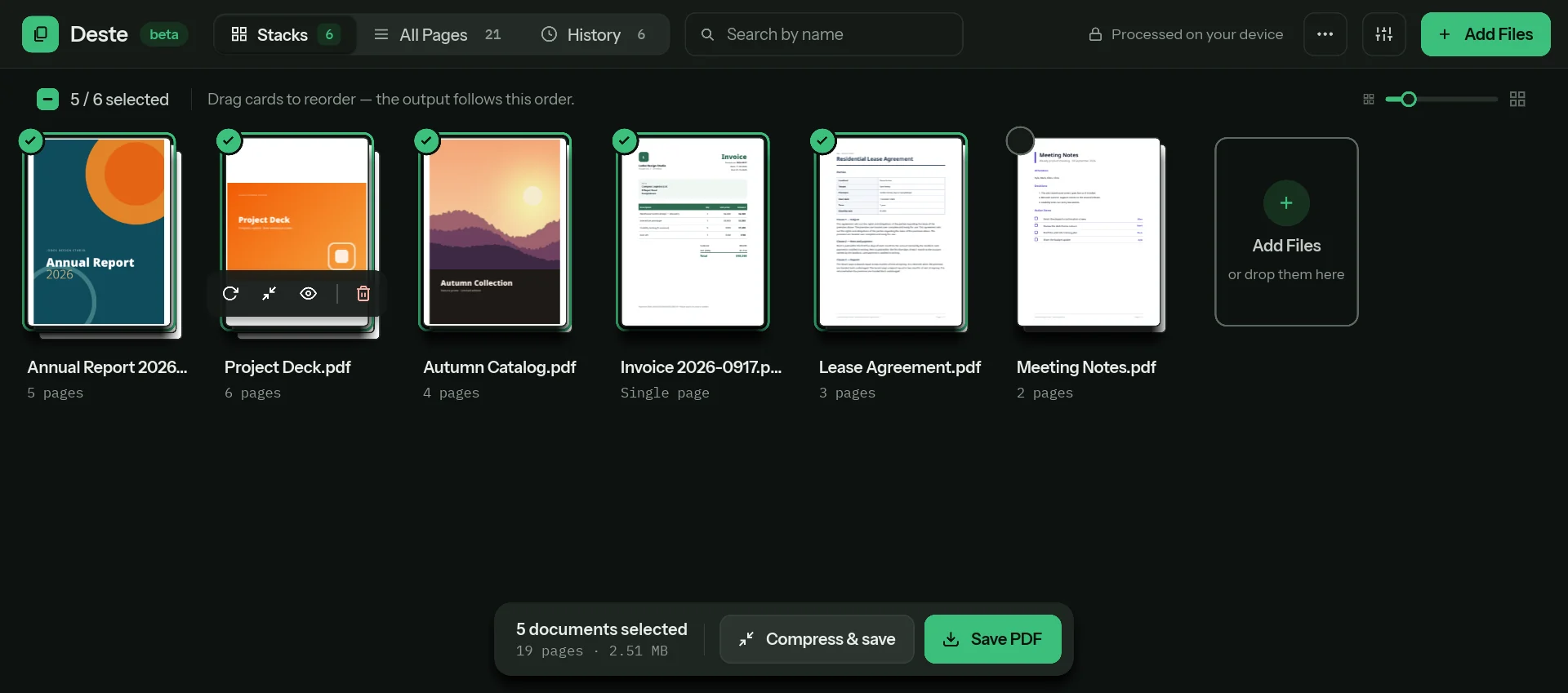
Each document is a card
Select documents, drag to reorder, rotate, compress or remove them. The bar below counts the documents and pages you’ve selected; when you save, they become one PDF in that order.
Every page of every document in one grid
Untick a page and it drops out of the output, shown faded; one click brings it back. Drop a page on another document’s row and Deste asks whether to move or copy it.
See pages large, fix them there
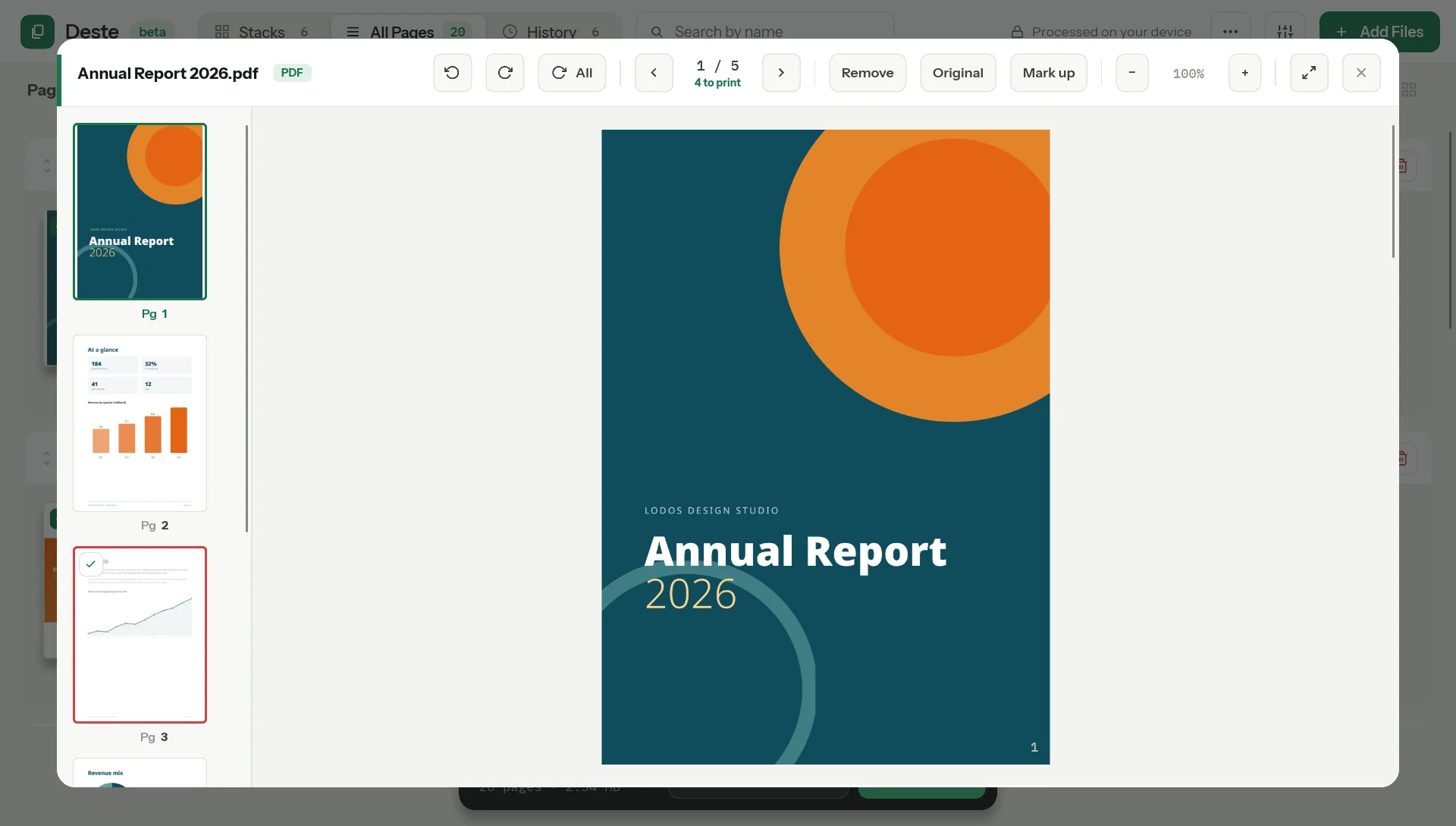
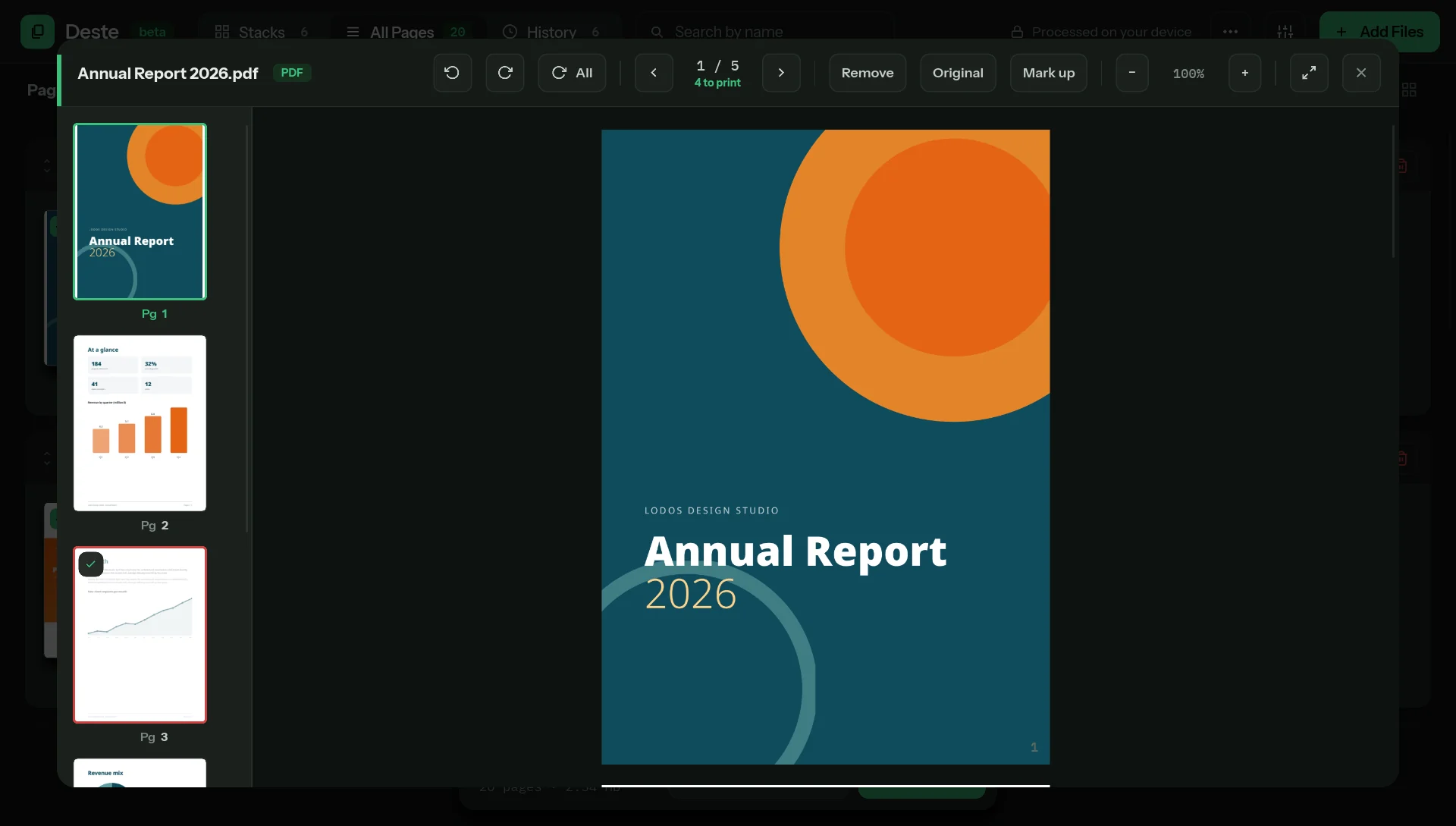
Click a page and the document opens large: a thumbnail rail on the left, rotate, remove and zoom on top. Split cuts the document in two at that page.
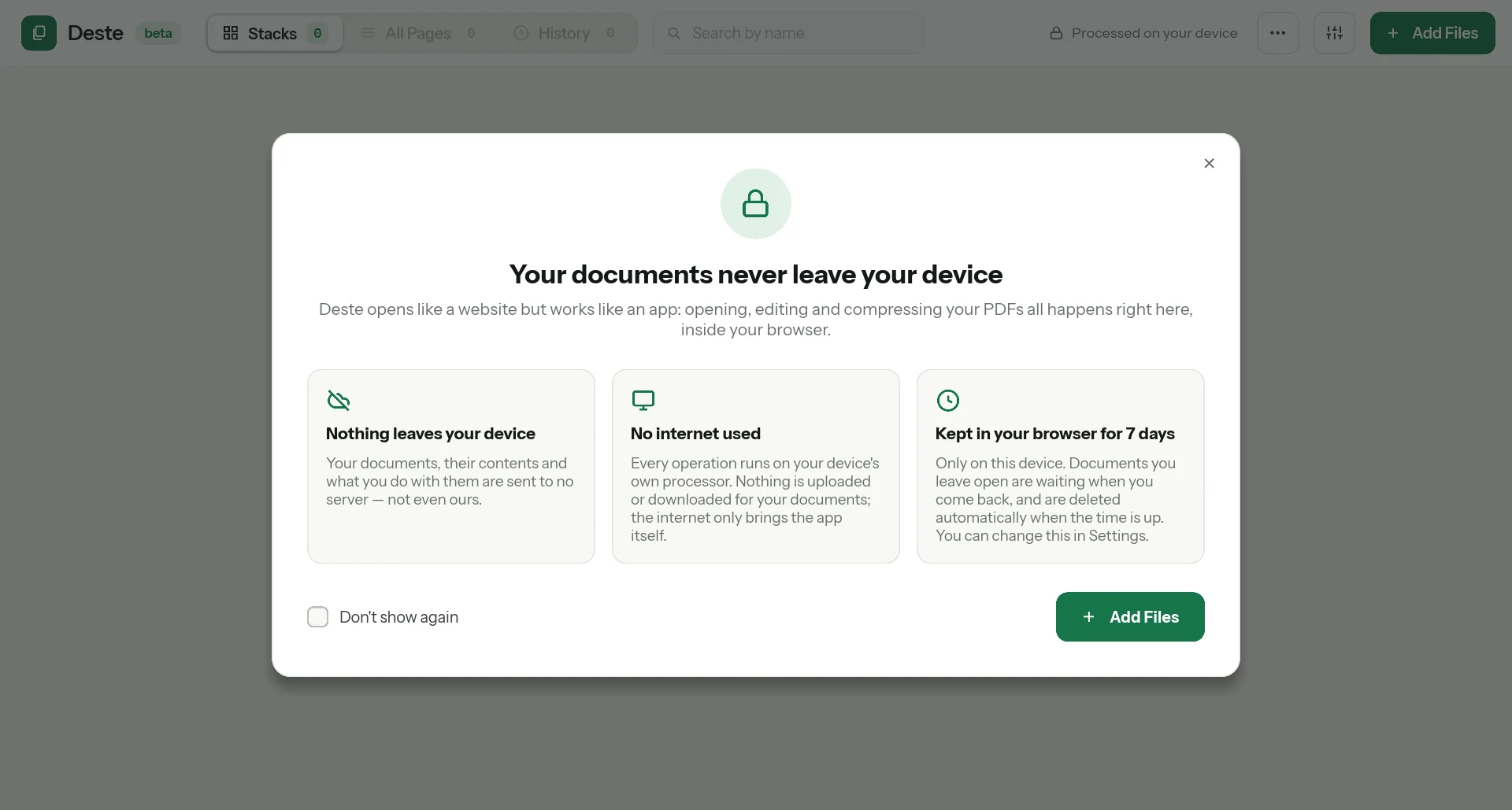
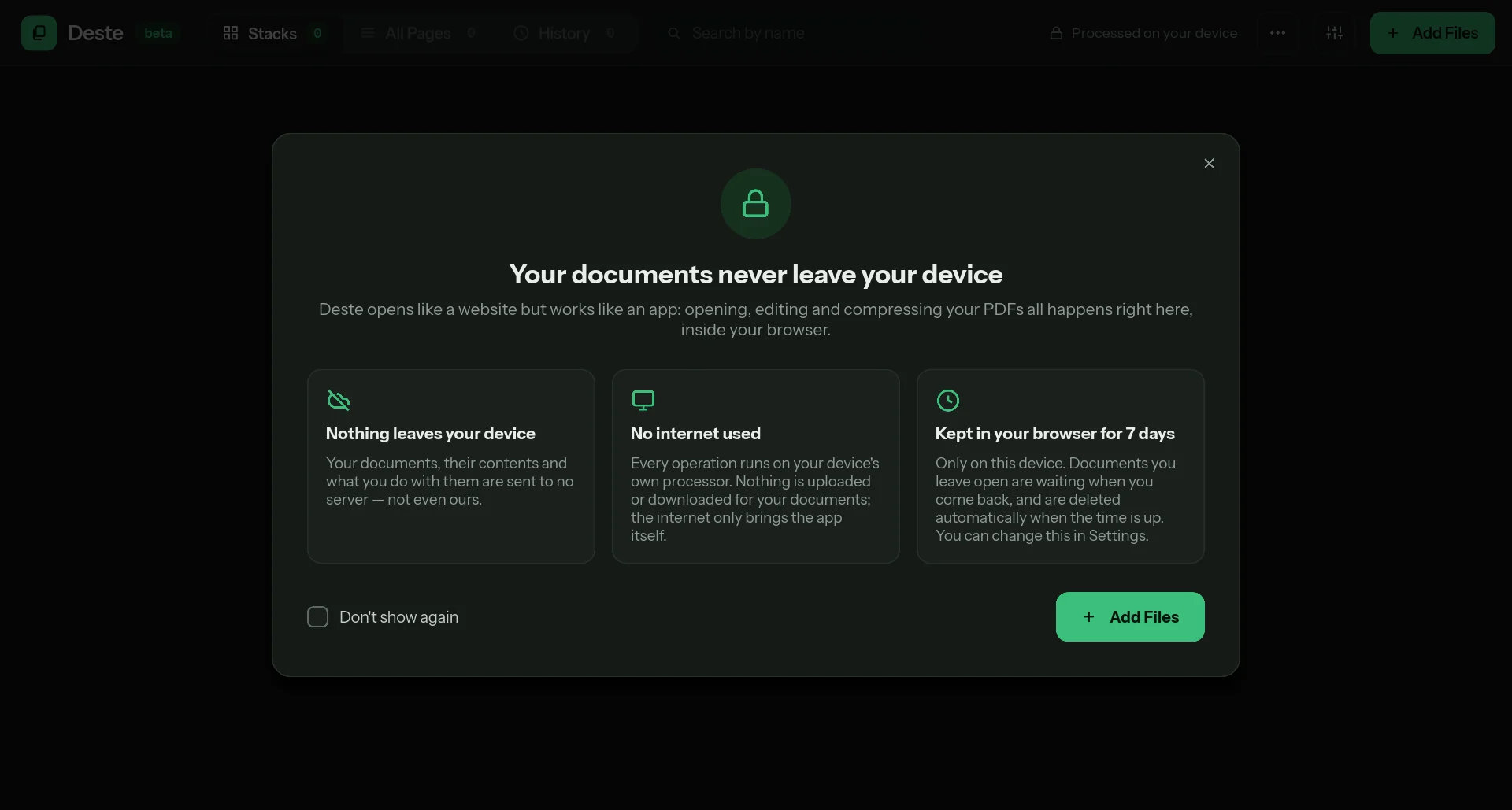
Your documents never leave your device
- How
- What your browser downloads when you open the site is the app itself: the PDF and compression engines, written in Rust and compiled to WebAssembly. Opening, merging and compressing a document all run in that code, on your processor.
- What is kept
- Opened documents are kept on this device only, in the storage the browser gives this site, and deleted automatically when the time is up (7 days by default). In Settings you can change the period or turn history off.
- What the server sees
- The app’s files are served through Cloudflare, which processes your IP address and browser details. Your documents are not in those requests, because they are never sent. There is no analytics, tracking or ad code.
Open the address, that’s all
Deste runs at destepdf.com; there is nothing to download and no account to make. Once the app has loaded, working on documents uses no internet.
- Browser
- Needs WebAssembly and WebGL. It runs in Chromium-based browsers such as Chrome and Edge, on desktop and Android; Firefox and Safari (iPhone, iPad) haven’t been tested enough yet.
- Size
- 250 MB per file, 400 MB in total for documents open at once. The limit keeps clear of the browser’s memory ceiling.
- Use
- Free for personal, non-commercial use. For commercial use and feedback: [email protected].
Coming A desktop version is being built for Windows and Linux; it can’t be downloaded yet. It does everything the web version does, and adds itself to the system as a printer.
- It captures from any app.
- Choose Print → Deste in Word, a browser or any other program and the job lands in Deste’s stack instead of on paper.
- It prints to your real printer.
- Copies, duplex, toner saving and black and white; through the system’s printing stack on Windows, through CUPS on Linux.
- It waits in the tray.
- It can start quietly at login; captured documents stay on your machine only.
Good to know
- Beta
- Try important documents on copies and check the PDF you get.
- Special PDF features
- Whether form fields and digital signatures are preserved has not been verified yet; password-protected PDFs can’t be opened for now.
Frequently asked questions
All questions →Are my documents uploaded to a server?
No. Deste runs inside your browser, with WebAssembly; opening, editing and compressing a document all happen on your processor. Not a single request goes to the internet for your document. Details: Privacy.
Does it work without internet?
The app itself is downloaded from the internet, so you need a connection to open the page (the browser cache makes later visits faster). Once it’s open, working on documents doesn’t use the internet. Opening the page without internet isn’t possible yet.
What about password-protected PDFs?
They can’t be opened for now.
How large can a file be?
250 MB per file, and 400 MB in total for documents open at the same time. The limit is there to stay safely below the browsers’ memory ceiling.
When will the desktop version be released?
It’s in development for Windows and Linux; when it’s ready, it will be announced on this page. The desktop version adds itself as a virtual printer and prints to your real printer: Capturing prints.